 Screen Recorder
Screen recording for
Screen recording for tutorials
Record one workflow with a focused capture area, clear cursor movement, and a clean edit.
The short answer
A screen recording works well as a tutorial when it covers one workflow, shows the finished result first, and keeps every menu inside the frame. Record the area containing the interface rather than the whole display, pause after each significant click, and trim the setup from both ends before exporting.
How do you structure a tutorial recording?
Give the viewer a result they can repeat. Show the finished state first, then return to the starting point and move through each action in order.
Cover one workflow per recording. Two workflows in one video means a viewer who needs the second one has to hunt for where it begins.
How do you make every step visible?
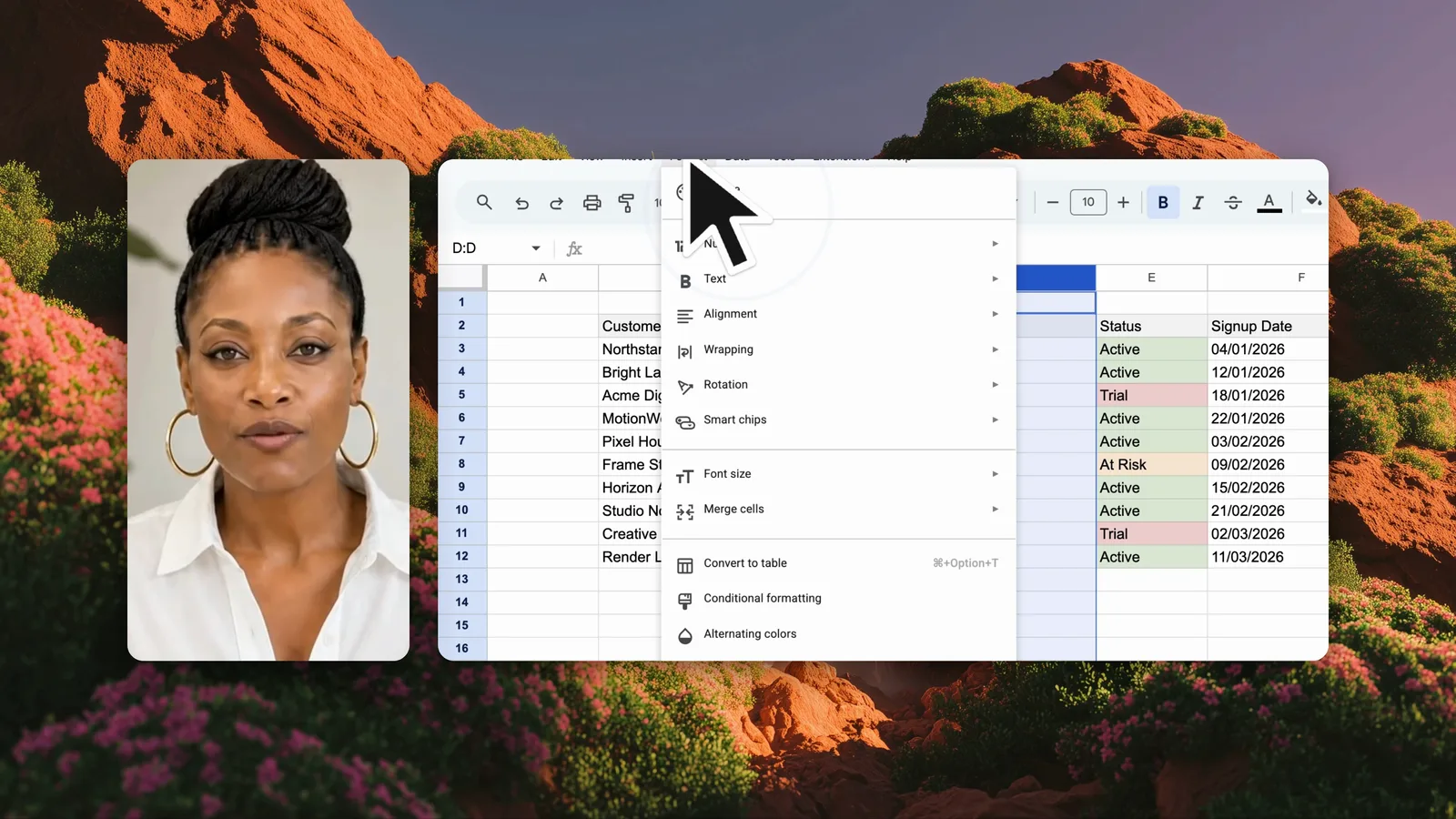
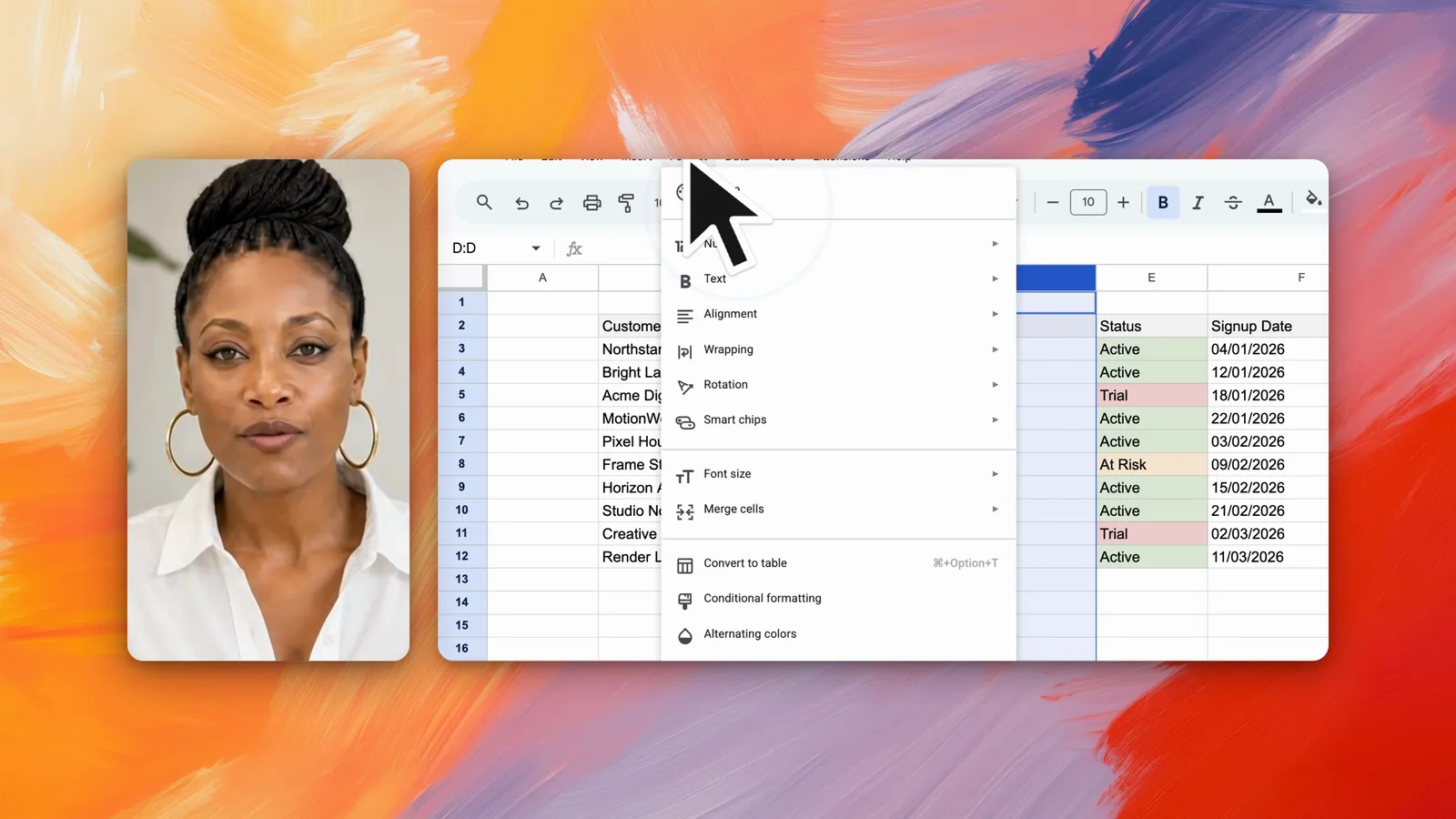
Record an area large enough to include menus, dialogs, and the feedback that follows a click. A menu that opens outside the recorded region never reaches the video, and the viewer sees a click that appears to do nothing.
Pause after each important click. The interface needs a moment to settle, and the viewer needs a moment to register what changed.
What should the edit remove?
Trim the setup at the start, the waiting while something loads, and the repetition of a step already shown. A tutorial should feel patient, not slow.
Keep it useful: Name the outcome in the opening line so viewers know whether the tutorial is for them.
Frequently asked questions
What makes a good screen recording tutorial?
A good tutorial covers one workflow, names the outcome in the opening line, keeps every menu inside the recorded frame, and pauses after each significant click so the viewer can see what changed.
Should a tutorial show the finished result first?
Yes. Showing the finished state first tells the viewer what they are working toward and lets them judge quickly whether the tutorial covers their problem.
How do you record a tutorial so text stays readable?
Record a selected area around the interface rather than the full display. A smaller region keeps screen text legible when the video is watched on a phone.