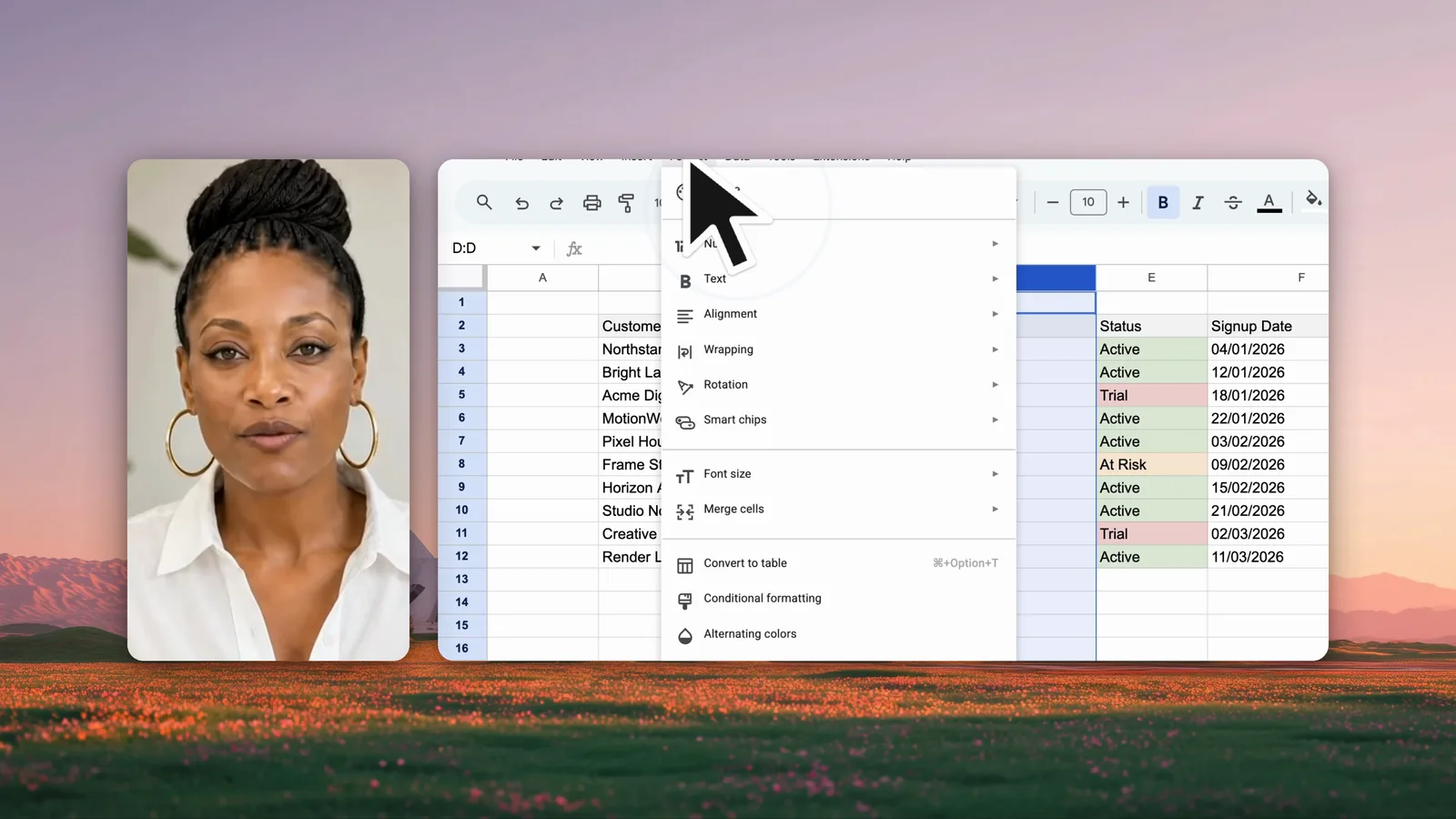
Loom alternative
A Loom alternative
that keeps videos on your Mac.
Loom is built for quick video messages that live in the cloud. Screen Recorder is built for polished recordings that you edit and export on your Mac. This page compares the facts, so you can choose the right tool for the job.
The short answer
Screen Recorder is a Loom alternative for Mac users who want to edit and keep their videos on their own computer. It costs $49 once, uploads nothing, adds automatic zoom and a camera, makes English captions on the Mac, and exports an MP4. Loom is better for instant share links, comments, and teams on Windows or phones.
How do Screen Recorder and Loom compare?
Each row comes from the official sources. Loom facts come from the Atlassian pricing page and the Loom help centre.
| Feature |  Screen Recorder Screen Recorder | Loom |
|---|---|---|
| Recording and editing | ||
| Automatic zoom | YesYes. Turn it on before you record. The zoom follows the cursor, and you can change or add zooms on the timeline | Not verifiedNot stated |
| Cursor effects | PartlyCursor recorded as data: change its size and style, and show clicks, after recording. No path smoothing | Not verifiedNot stated |
| Camera overlay | YesYes. A separate track that you can move, resize, and place over or beside the screen | YesYes. A camera bubblesource |
| Sound | PartlyMicrophone or system sound in one recording | Not verifiedNot stated |
| Captions | YesYes, in English. Whisper runs on your Mac. Free, no upload | YesYes. Transcripts and captions in more than 50 languages on all planssource |
| Built-in editor | YesYes. Timeline with split, crop, zooms, images, video, sound, backgrounds, and camera layouts | PartlyBasic trim and stitch on Business. Filler-word and silence removal on Business + AIsource |
| Price, privacy, and output | ||
| Platforms | Mac only (Apple silicon, macOS 14 or later) | Mac and Windows apps, Chrome extension, iOS, and Androidsource |
| Price | $49 one-time payment. One key works on 3 Macs | Free Starter plan with 25 videos of up to 5 minutes. Business from $18 and Business + AI from $24 per user a month. Enterprise on requestsource |
| Where recordings go | On your Mac only. Nothing uploads | Videos go to your Loom library in the cloud and are shared by linksource |
| Export | MP4 at the original size, 720p, 1080p, or 4K | MP4 download on paid plans. The Starter plan cannot downloadsource |
| Watermark | None | Loom branding on video pages and embeds. Business plans remove itsource |
| Account required | No | Yessource |

Checked on 1 October 2026 against each official website, pricing page, or help centre. A dash means the source did not state the fact, not that the feature is missing. Prices are in US dollars. Spot something out of date? Email info@ascreenrecorder.com.
What is the main difference?
Loom uploads each video to your Loom library and gives you a link. That is fast, and it suits a quick message to a colleague. The video lives in the cloud, and the viewer watches it on a Loom page.
Screen Recorder keeps the recording on your Mac and opens it in an editor. You add zooms, change the background, place the camera, and export an MP4. That takes a few minutes longer, and the result is a finished video file that you own.
What does each one cost?
Screen Recorder costs $49 one time for up to 3 Macs. Loom has a free Starter plan with 25 videos of up to 5 minutes, which cannot download videos. Its Business plans start at $18 per user a month, and Business + AI starts at $24 per user a month.
Which one should you choose?
Choose Screen Recorder if- The video must not leave your computer. For example, a demo of an unreleased product.
- The video must look finished. Automatic zoom, backgrounds, camera layouts, and captions.
- You want a file, not a link. An MP4 goes into a help centre, a course, or a launch post.
- You do not want a per-user subscription. One payment covers 3 Macs.
- You need a link at once. The share link is ready the moment you stop.
- Viewers reply on the video. Comments, reactions, and view insights.
- Your team uses Windows or phones. Loom has Windows, Chrome, iOS, and Android apps.
- You work in Atlassian tools. Jira, Confluence, and Slack integrations, SSO, and AI summaries.
Can you use both?
Yes. A cloud tool suits quick replies, and a desktop recorder suits videos that people watch for longer, such as onboarding videos, release demos, and help-centre tutorials. For those, read how to make a product demo video and how to record a tutorial.
Questions
Is there a Loom alternative that keeps videos on my Mac?
Yes. Screen Recorder saves every recording on your Mac and uploads nothing. You export an MP4 and share it where you want, for example in Slack, Notion, Google Drive, or YouTube.
Is there a Loom alternative without a monthly fee?
Yes. Screen Recorder costs $49 as a one-time payment, and one key works on 3 Macs. There is no per-user subscription.
Does Screen Recorder make share links like Loom?
No. Screen Recorder exports an MP4 file. To share it, you upload the file to the service that your team already uses. If an instant link with comments and view counts matters most, Loom is the better tool.
Does Screen Recorder have a recording time limit?
No. Screen Recorder sets no recording time limit and adds no watermark.
Does Screen Recorder work on Windows?
No. Screen Recorder is a Mac app for Apple silicon Macs. Loom has apps for Mac, Windows, Chrome, iOS, and Android.
Keep reading