 Screen Recorder
Screen recording for
Screen recording for social videos
Record a short vertical clip with readable text that works without sound.
The short answer
A screen recording works as a social video when it shows one moment of value in under thirty seconds and reads clearly without sound. Record a tight area so detail survives a phone screen, put the payoff in the first second, and add text for anything the audio would have explained.
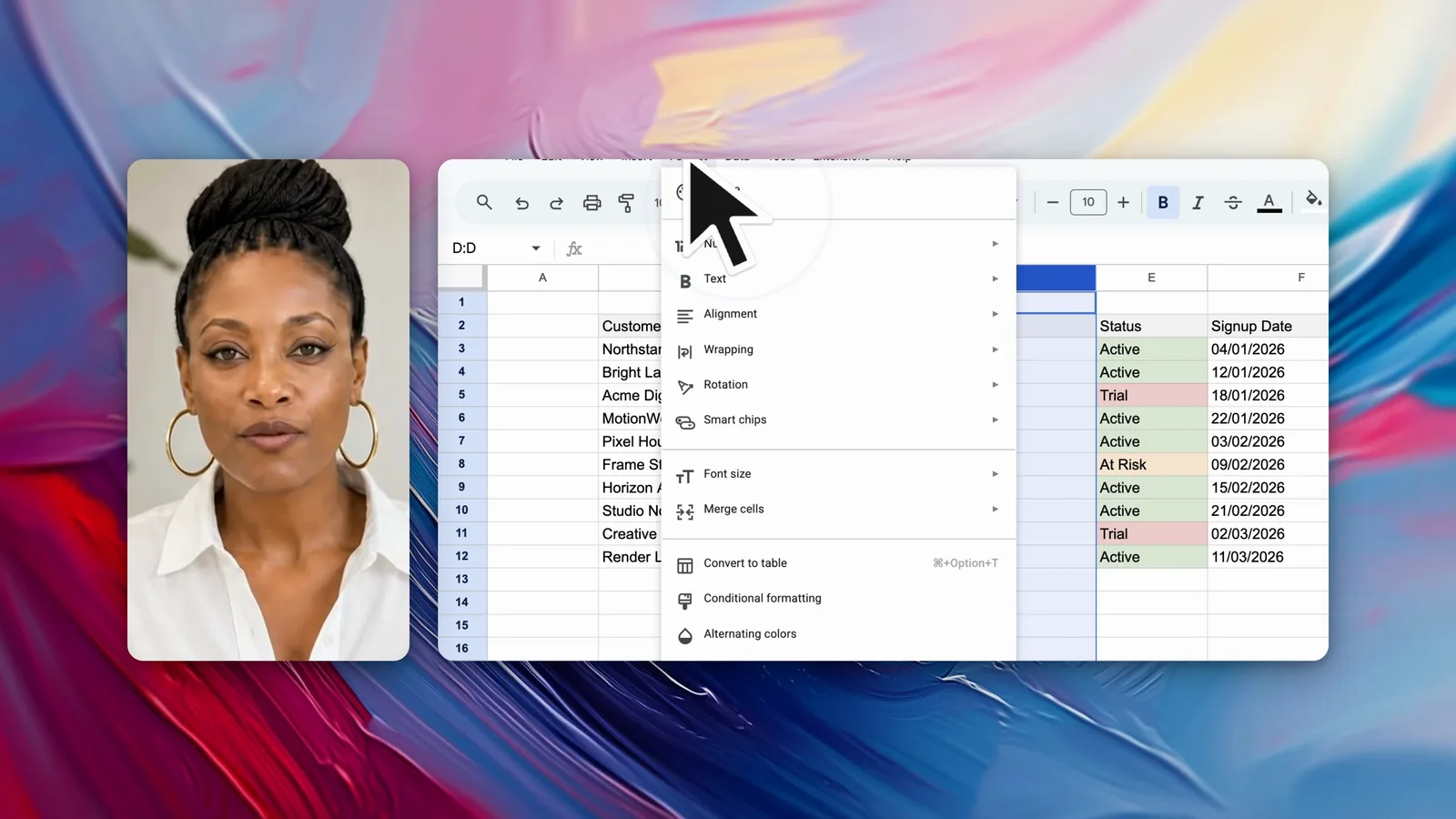
How long should a social clip be?
Aim for under thirty seconds, and put the payoff in the first second. A feed gives a clip roughly one second to earn the next five.
Save the setup. A social video has no room for context, so it opens on the interesting moment and explains afterwards if at all.
Why does a social clip have to work on mute?
Assume the clip is watched with no sound. Most feeds autoplay silently, and a viewer decides whether to stay before ever unmuting.
Add text for anything narration would have carried. The clip should make its point with the audio off and lose nothing.
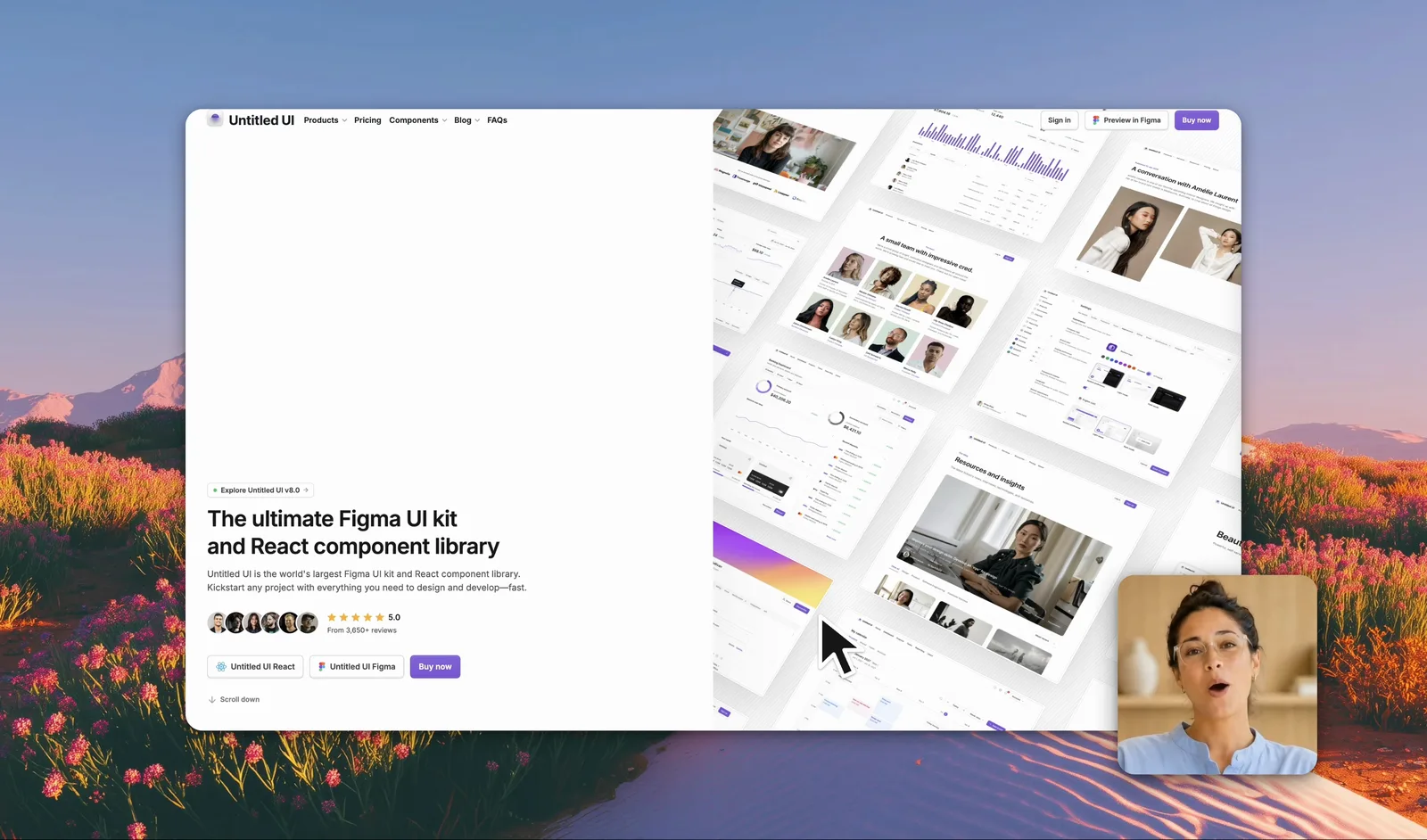
How do you keep the detail legible?
Record a tight area around the part of the interface that matters. A full-display recording cropped to a vertical frame leaves interface text too small to read.
Tip: Watch the clip on your phone at arm’s length before posting. Detail that survives that test survives the feed.
Frequently asked questions
How long should a screen recording be for social media?
Aim for under thirty seconds. A social feed gives a clip about one second to earn the next five, so the interesting moment has to arrive immediately.
Do social videos need sound?
Assume they are watched on mute. Add text for anything the narration would have explained, so the clip works with no audio at all.
How do you keep screen text readable on a phone?
Record a tight area around the part of the interface that matters, and keep the source dimensions on export. A full-display recording scaled to a phone makes interface text unreadable.