 Screen Recorder
Blog
How to make cursor movement smooth
Move the cursor between clear targets and pause before each click so viewers can follow the recording.
The short answer
In a screen recording the cursor tells the viewer where to look, so erratic cursor movement makes a demo hard to follow even when every click is correct. Move deliberately, pause briefly before each click, and let automatic zoom draw attention to detail rather than moving the cursor to point at it.
What job does the cursor do?
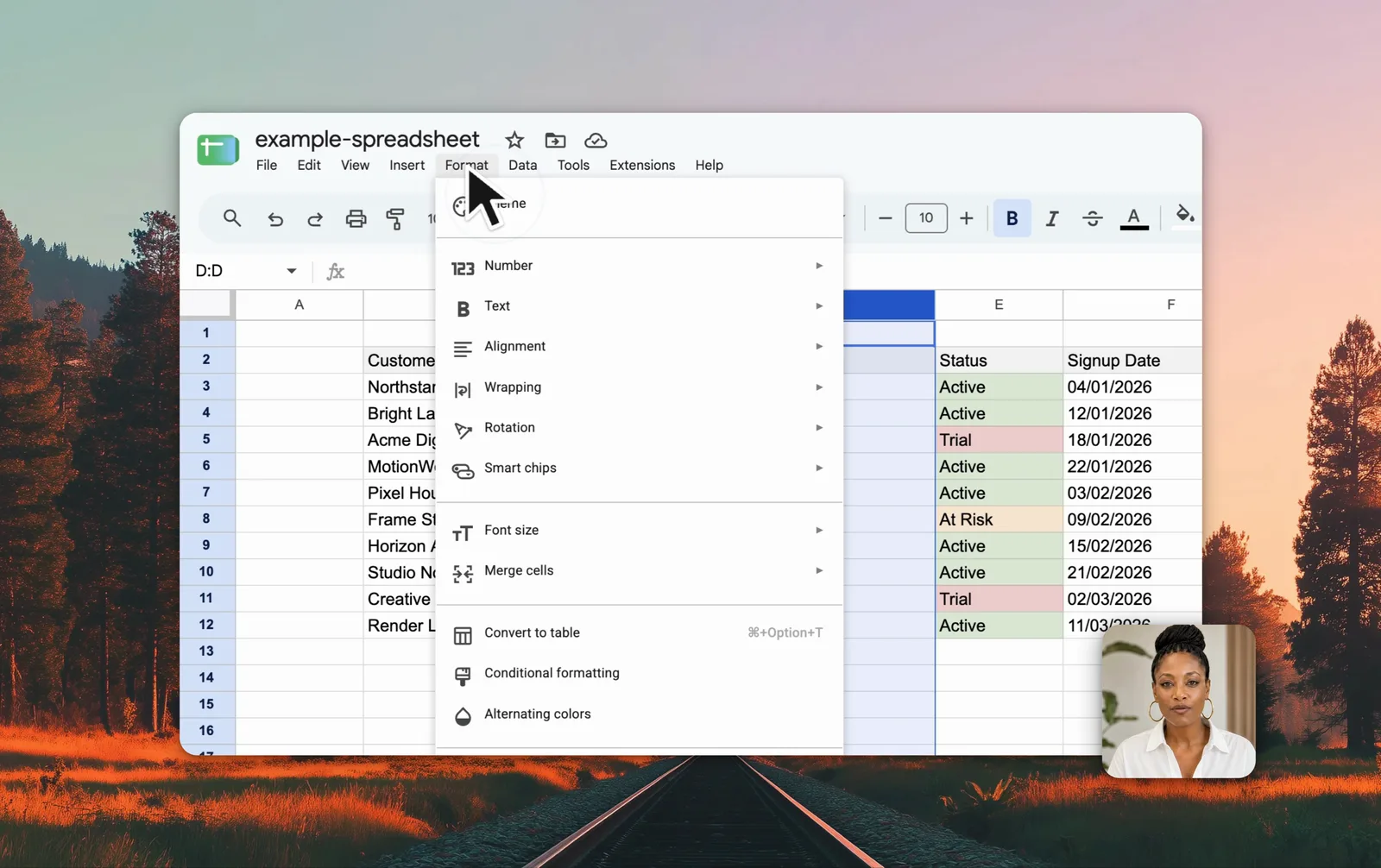
In a screen recording the cursor is the viewer’s eye line. Viewers watch it to learn where the next thing happens, which makes cursor movement a form of narration rather than incidental motion.
That is why a recording with correct steps can still be hard to follow. If the cursor wanders, hesitates, or jumps between corners, the viewer spends attention tracking the pointer instead of understanding the task.
How should the cursor move?
Move toward one target at a time and stop when you arrive. Pause for a beat before each click, so the viewer registers the target before the interface changes.
Avoid circling or shaking the cursor to emphasise something. Rapid movement pulls the eye to the motion itself rather than to the detail underneath it.
How does automatic zoom help?
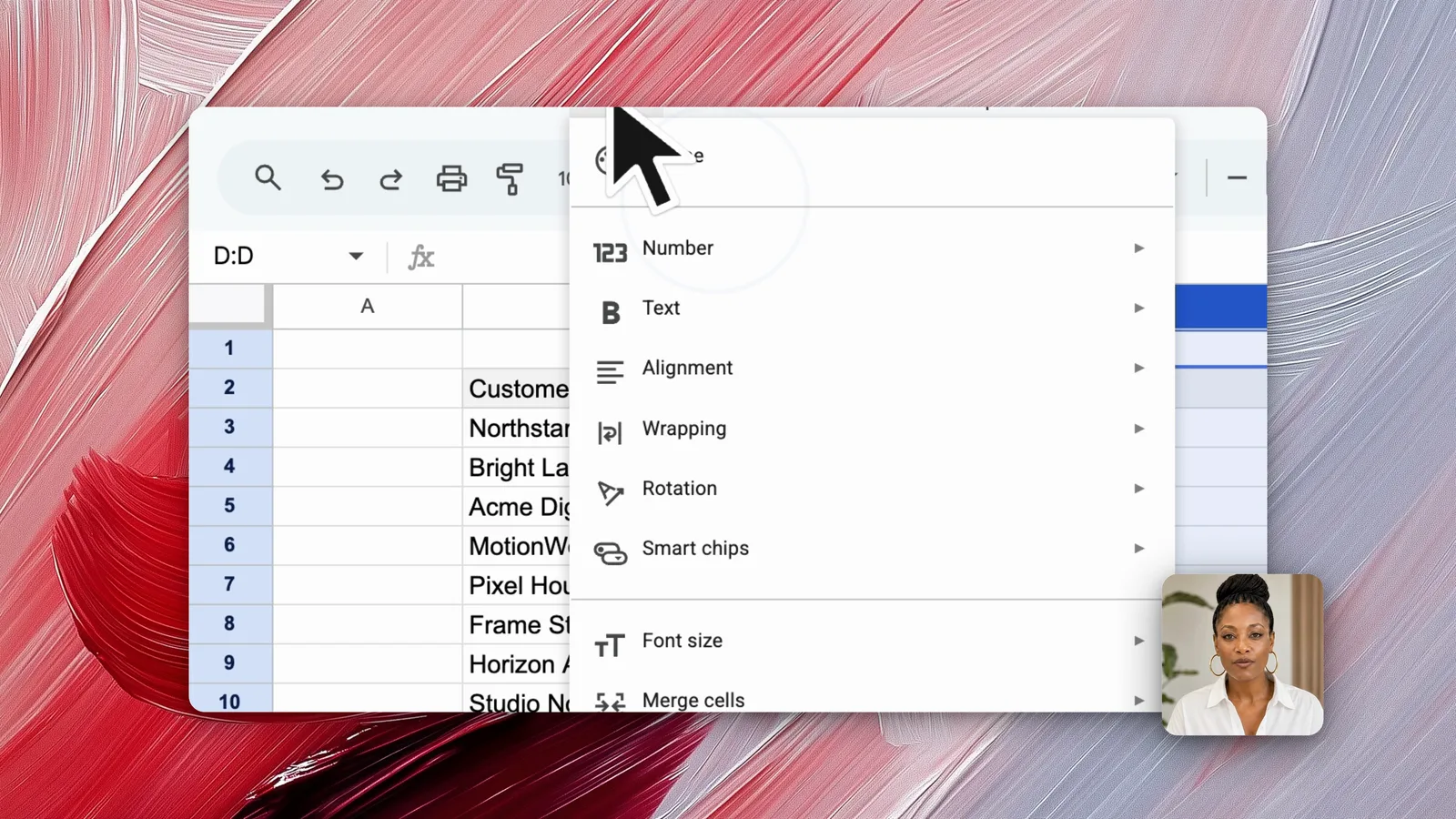
Screen Recorder smooths cursor motion and zooms toward the area being worked on, which enlarges small interface detail that would otherwise be unreadable on a phone.
Zoom also replaces most pointing. When the frame moves closer to the control, the cursor no longer has to gesture at it.
Tip: Pause for a beat before each click. That pause costs a moment and saves the viewer a rewind.
Frequently asked questions
Why does the mouse cursor matter in a screen recording?
The cursor acts as the viewer's eye line. Viewers follow it to know where the action is happening, so unsteady or wandering cursor movement makes a recording hard to follow even when the steps are correct.
How do you make cursor movement look smooth in a demo?
Move to one target at a time, pause briefly before clicking, and avoid circling or shaking the cursor for emphasis. Screen Recorder also smooths cursor motion and zooms toward the action.
Should you use the cursor to point at things?
Prefer a zoom or a short pause over waving the cursor. Pointing with rapid movement tends to draw the eye away from the detail rather than toward it.